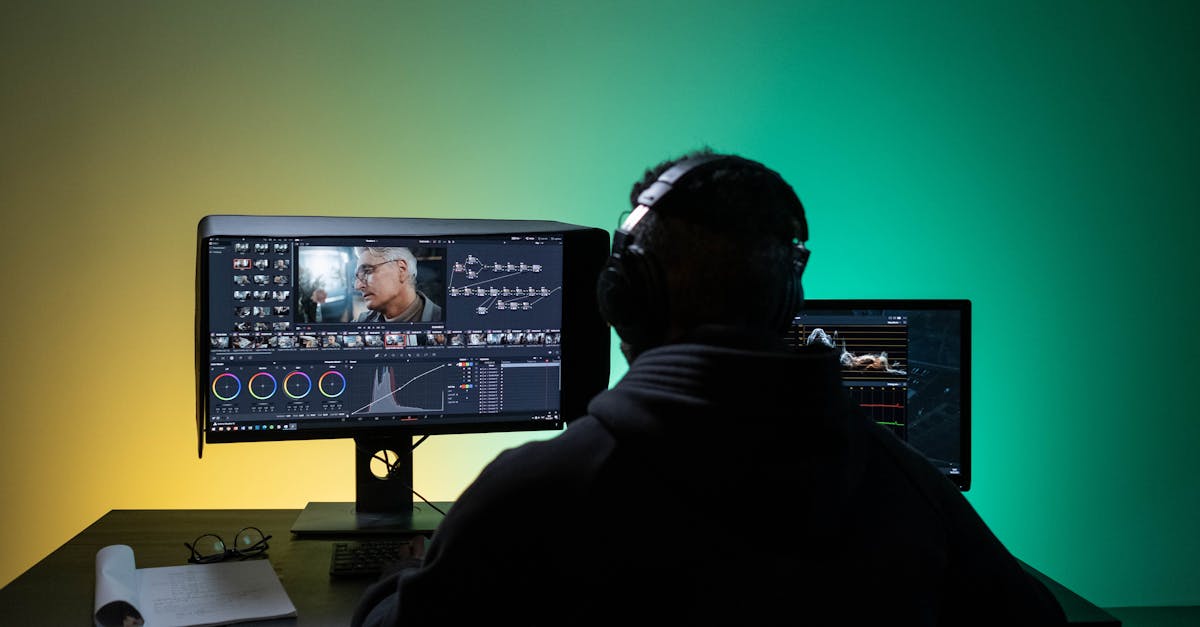
In the audiovisual world of 2025, mastering the post-production workflow has become a crucial issue to ensure the success of a project. Whether for a professional video, an artistic short film, or a television show, each step must be carefully organized to guarantee a high-quality result. With the constant growth of digital tools, it is now essential to know the software and techniques that make the difference, including Adobe Premiere Pro, DaVinci Resolve, Final Cut Pro, and Avid Media Composer. But how can you navigate this jungle of possibilities? How can you structure your work to meet deadlines and maintain artistic consistency? This is precisely what this article will explore, offering a complete, step-by-step workflow example, highlighting the interconnection between all the players and the tools essential to the success of modern post-production. If you’re interested in the BTS Audiovisual program, discover how this program prepares you to become a professional capable of orchestrating these complex and demanding processes, while keeping creativity at the heart of your approach. Because deep down, behind every image or sound, there’s precise organization, enhancement techniques, and above all, a passion for telling a captivating story.

The key steps of a complete audiovisual post-production workflow
The audiovisual post-production process is like a well-oiled recipe: each step must be followed to ensure the final result meets expectations. But in 2025, this step has become more complex with the proliferation of media, formats, and tools. How can we break down an efficient workflow? It all starts with organizing rushes, then editing, color processing, sound adjustment, and finally delivering the files. Everything is interconnected, and each step influences the next. When considering a project, you must first plan the schedule and choose the appropriate software. Then, the work is often divided between several stations equipped to optimize productivity. In this environment, the key is compatibility, as well as the use of powerful tools like Adobe Premiere Pro for editing, DaVinci Resolve for colorimetry, or Pro Tools for sound. Fluid communication between these stages makes all the difference. But what exactly are the key phases of this workflow, and how can you ensure they flow smoothly?
Preparing and Organizing Equipment
Before starting editing, it’s vital to sort and encode the rushes. In 2025, file management is often entrusted to storage solutions like Blackmagic Design DaVinci Resolve Studio or secure servers to prevent loss. The first step is careful sorting, using software like Avid Media Composer, which is very effective at managing large volumes of media. Good organization helps avoid wasted time in subsequent phases. Important steps include:
- Transferring rushes from the camera or digital recorder
- Checking quality and synchronization
- Creating consistent folders and names for each clip
- Import into the main editing software (Adobe Premiere or Final Cut Pro)
Good preparation also means making a plan for the rough cut, selecting the best shots. This allows you to optimize the actual editing phase. Tools like Autodesk Flame or Nuke can be used for certain preview operations or simple corrections.
Editing: the central stage of post-production
Once the rushes are sorted, you can move on to editing. With software like Final Cut Pro or Adobe Premiere, this is the phase where the story comes to life. The ease of use and compatibility with other tools like Cinema 4D for adding 3D effects greatly facilitate this step. The key here lies in the precision of the editing, the management of transitions, and the synchronization of noise and image. In 2025, the cloud is often becoming an option to enable remote collaboration between multiple editors, particularly thanks to platforms compatible with Avid or Blackmagic Cloud.
During editing, two essential concepts must not be overlooked:
- Respect the narrative and rhythm of the video
- Optimize each segment for visual and audio consistency
To achieve this, compatibility between different tools must also be considered, such as the integration of Pro Tools for sound design or Davinci Resolve for colorimetry. Editing is often the most creative phase, but also the most technical. Proficiency in multiple software programs is essential today, particularly because some projects require exporting in different formats or via specific codecs (H.264, ProRes, DNxHD). To learn more about format selection, the interview guide can be useful for understanding the BTS approach. Color correction: a real plus for final quality Because good lighting isn’t always enough to give a video a professional look, colorimetry plays a central role in post-production. In 2025, we tend to primarily use DaVinci Resolve or Nuke, which are very effective for grading. Color correction isn’t limited to aesthetics; it also allows you to harmonize scenes, enhance atmosphere, or correct lighting errors. Proper color adjustment requires advanced skills, but also a precise knowledge of tools and color palettes. Communication between the editor and the colorist becomes essential, especially if the production is large or complex. The toolkit has expanded with the integration of Adobe plugins or automated scripts to save time.
Discover the art of post-production, an essential process for transforming your raw videos into captivating masterpieces. Learn editing, sound editing, and visual effects techniques to bring your audiovisual projects to life.
Key Grading Techniques

Using LUTs (Look-Up Tables) to speed up the process
Primary correction to balance brightness, contrast, and saturation
- Secondary correction to adjust specific colors
- Creating an artistic look by playing with curves and filters
- With these techniques, it’s possible to achieve a professional look, close to that of a movie. The key remains consistency throughout the project, using precise profiles and regularly validating each step.
- Sound integration: the detail that makes the difference
In the era of high fidelity, sound processing is as important as image quality. In 2025, careful sound editing requires the use of tools like Pro Tools, Logic Pro, or even Adobe Audition, depending on the studio’s preferred software. The sound post-production process involves several phases:
Synchronizing sound with image
Cleaning and eliminating unwanted noise
- Sound design and creating effects (FX) to enhance the atmosphere
- Correction and final mixing to balance levels
- Mastering is also an essential step, to optimize the output in different formats (stereo, surround). Seamless integration between image and sound is facilitated by software like Adobe Premiere combined with Pro Tools, or even Sony Vegas in some independent studios. Precise synchronization, particularly for dubbing and ambient sound, ensures total immersion for the viewer. Moreover, if you’d like to delve deeper into the topic of dialogue or sound design, articles like “Short Film Sound Design” can provide a wealth of practical insight, even in 2025.
- Validation, Export, and Distribution: The Final Stretch
At this stage, the work must be fully validated. In 2025, output format management is critical. It’s important to respect the constraints imposed by broadcasters or the distribution platform: online, television, cinema. The final step is to export the files in the appropriate formats, using codecs compatible with all media. The range of tools is extensive: Adobe Media Encoder, DaVinci Resolve, and Final Cut Pro all offer very comprehensive settings. The output must be tested with stakeholders to validate color consistency, sound synchronization, and compression. Once validated, distribution can begin, via platforms like YouTube, Vimeo, or even internal streaming servers. Step Recommended Software Main Features
Additional Tools
Preparation & Logging
| Avid, Adobe Prelude | Media Management, Cataloging | External Storage, Automation | Editing |
|---|---|---|---|
| Premiere Pro, Final Cut, Sony Vegas | Cutting, Transitions, Effects | Cloud Collaboration, Plugins | Color Grading |
| DaVinci Resolve, Nuke | Color Correction, Grading | Adobe Plugins, LUTs | Sound |
| Pro Tools, Adobe Audition, Logic Pro | Mixing, Sound Design, Mastering | VST Plugins, Audio Interfaces | Export & Broadcasting |
| Media Encoder, Final Cut, DaVinci Resolve | Final Rendering, Compression | Streaming Platforms, FTP | Key Tools for Modern Post-Production in 2025 |
| Software and hardware play a key role in an efficient workflow. In 2025, we are seeing a true synergy between several tools to meet the demands of diverse projects. Adobe remains essential for editing and color grading, particularly with | DaVinci Resolve reigns supreme for color grading, while Avid and Final Cut Pro remain popular for their stability and compatibility. Additionally, Blackmagic Design’s robust hardware and software solutions facilitate high-quality production. Autodesk offers complementary solutions for advanced special effects with Nuke and Cinema 4D. The compatibility between these tools, as well as their ability to collaborate over networks via cloud or NAS platforms, accelerates project delivery. While some studios favor the integration of open source or less expensive software, the industry is moving toward standardization around these big names, particularly to meet certified post-production and high-resolution requirements. | The role of the Audiovisual BTS in mastering the post-pro workflow | A program like the Audiovisual BTS, with a specialization in editing and post-production, is designed to train technicians capable of expertly managing all these steps. In 2025, the curriculum will adapt to technological developments by integrating modules on modern software and digital media management, such as those from Blackmagic Design and Autodesk. The training provides an understanding of the entire chain, from capture to broadcast. It also emphasizes the ability to work in a team, meet deadlines, and learn how to use collaborative tools such as Adobe Team Projects or Avid NEXIS. A thorough knowledge of file languages and formats is also essential. If you’re interested in a career in this sector or simply want to understand how to implement an efficient workflow, this guide may be helpful. The BTS remains the preferred path to acquiring this technical expertise while developing the creativity needed to stand out in 2025. |
FAQ: Everything you need to know about the audiovisual post-production workflow
What is the first step in an efficient workflow?The careful preparation and organization of rushes, so that editing can begin under the best possible conditions.
What are the essential software programs for color grading in 2025?
DaVinci Resolve and Nuke remain the standards for color correction and grading. Compatibility with other Adobe or Autodesk tools is an advantage. How can we ensure effective collaboration in post-production? By using cloud platforms that integrate all tools, such as Adobe Creative Cloud or Avid MediaCentral, and by promoting regular communication between teams.
What are the main challenges when validating the final delivery?
- Verifying rendering consistency, compliance with required formats and codecs, and performing playback tests on different media.
- What is the impact of artificial intelligence on the workflow? It allows certain correction or editing tasks to be automated, thus speeding up production while maintaining a high level of quality.